 Draw on a Map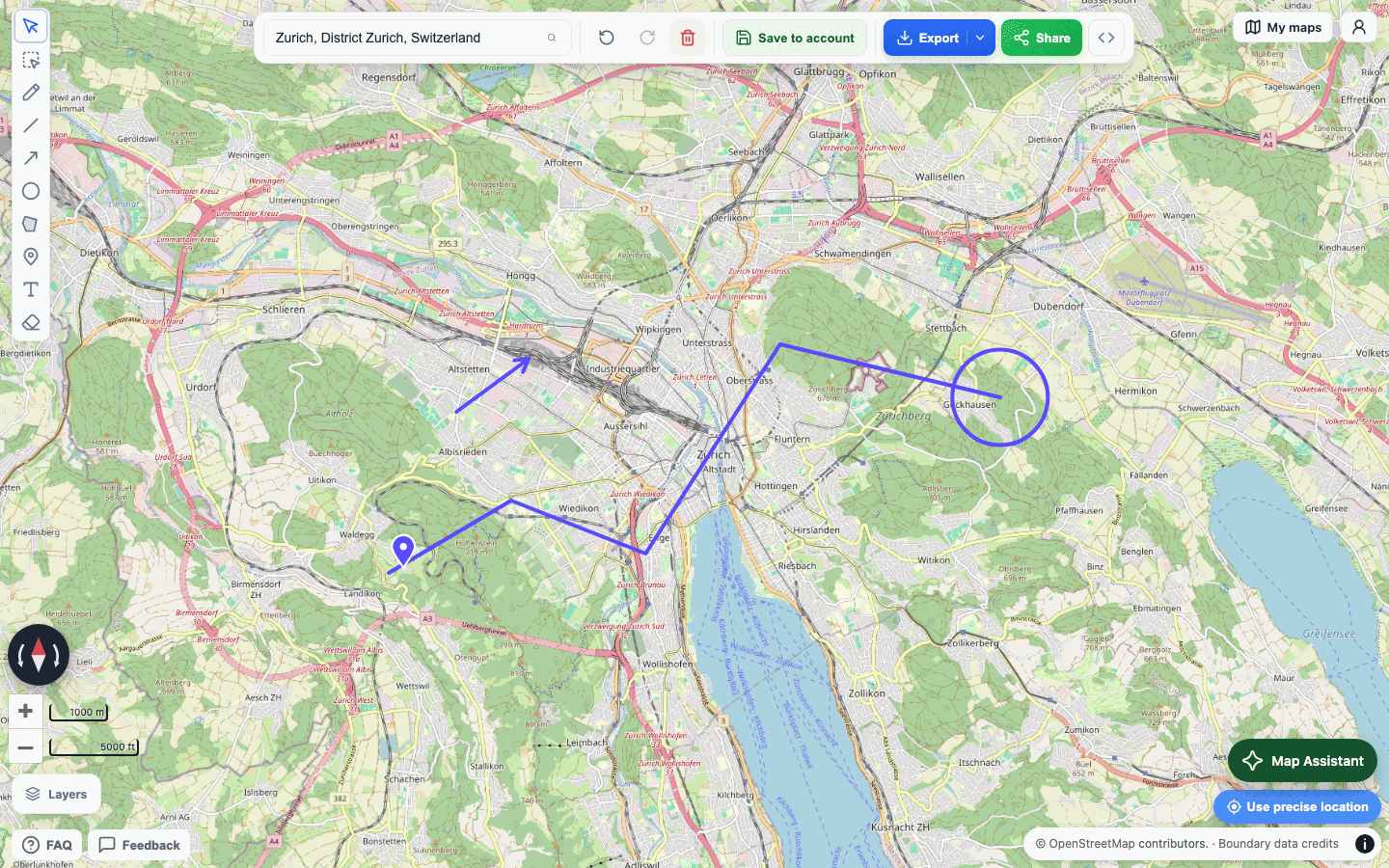
Why this product exists
Most map products are built for navigation, account-based collaboration, or long-term storage. That works well for many cases, but it adds friction when the actual job is simple: draw something on a map and send it.
Draw on a Map was built to remove that friction. The goal is speed, clarity, and low ceremony. Open the map, mark what matters, and share the result.
Who built it
Draw on a Map is built and maintained by Sergio Garcia and Emilia Hansson, two software engineers. The site is intentionally simple: a focused interface, fast loading, and minimal data collection.
Publisher details
Product: Draw on a Map
Publisher: Draw on a Map
Maintainer: Sunshine Projects
Support: hello@drawonamap.com
How the tool works
The app runs in the browser using OpenLayers with OpenStreetMap tiles. Shared drawings are encoded in the generated URL so recipients can open the exact same view without logging in or retrieving a saved server-side project.
This design keeps the tool fast and keeps the product focused on one-off sharing rather than account management.
Product principles
- Fast enough to use in the moment, not after setup.
- Simple enough to explain without a tutorial.
- Private by default, with no account required.
- Useful on both desktop and mobile.
Where to start
If you are new to the product, the main app is the right entry point. If you want examples and tutorials, the blog covers practical use cases like route sketching, marking meeting spots, and measuring distances.